
Imagine your event buzzing with energy. Your guests are on their phones, snapping photos and recording videos, excited to share the moment. Now, what if you could bring all that excitement together and put it on the big screen for everyone to see? That’s the magic of a social media wall.
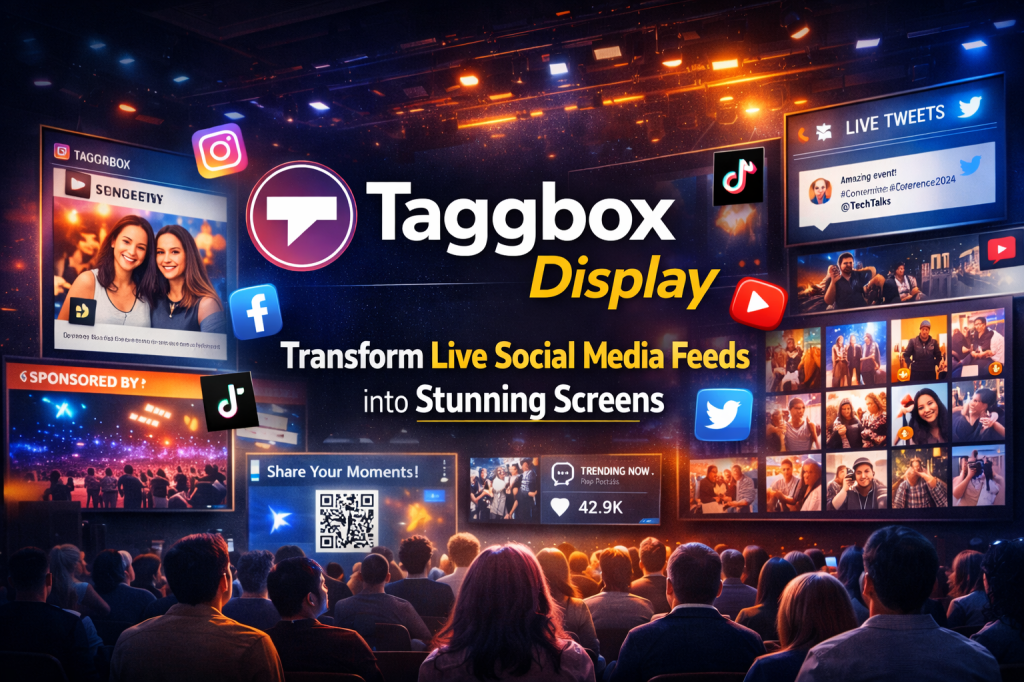
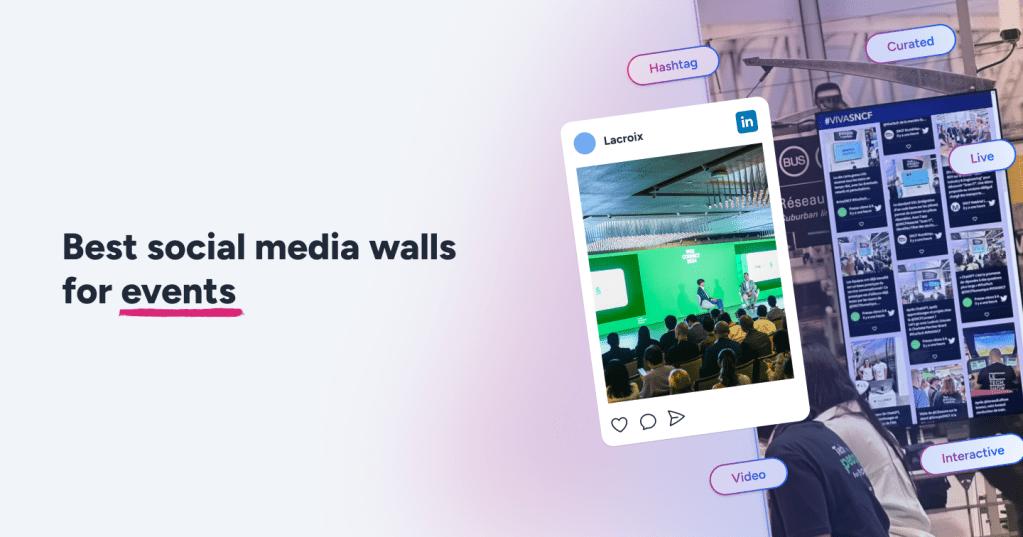
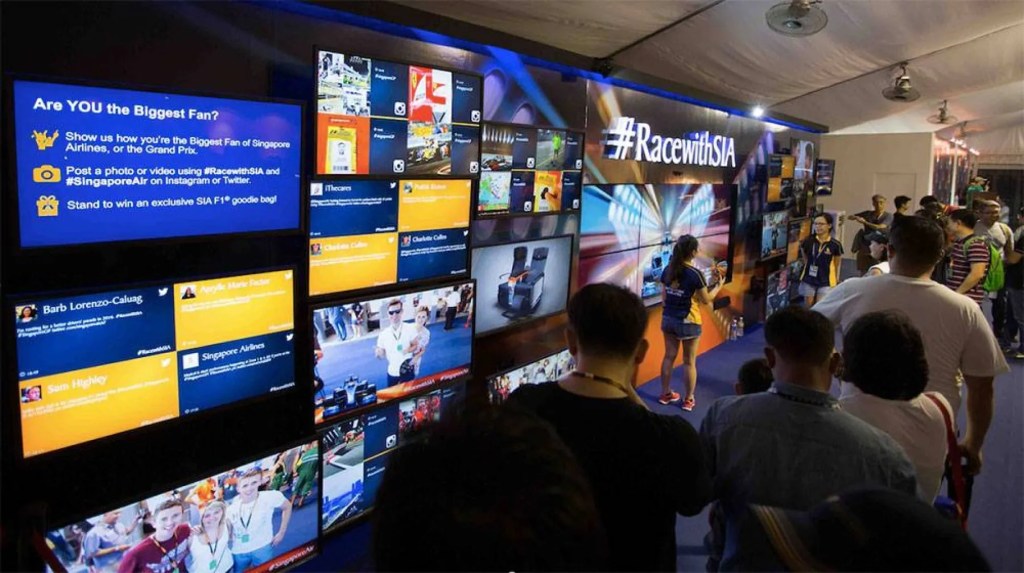
A social media wall turns passive attendees into active participants. It’s a live, moving display that gathers posts from your audience and showcases them at your event. Think of it as your event’s own TV channel, powered by your guests. By using a tool to embed this social wall on your website or integrating it into your event digital signage, you create an interactive experience everyone will be talking about.
Let’s walk through how you can set one up, step by step.
What Exactly is a Social Wall?
A social wall acts as a live feed of your event’s best moments, captured by the people who are there. It works by pulling in social media posts that use your event’s special hashtag or mention your brand.
Behind the scenes, a simple tool gathers, sorts, and displays these posts. This software gives you complete control to make sure the social media signage looks professional and only shows the content you want, perfectly capturing the vibe and boosting the event engagement.
Why Use a Social Wall at Your Event?
A social media wall is more than just a cool feature—it’s a smart way to make your event better.
- Gets Everyone Involved: People get a thrill from seeing their own posts featured live on a big screen.
- Encourages More Sharing: It gives guests a fun reason to post more, spreading the word about your event.
- Showcases Your Brand: You can customize the wall with your event logos, sponsor shout-outs, and brand colors.
- Reaches a Wider Audience: Every post shared with your hashtag expands your event’s visibility online.
- Upgrades Your Signs: Using a social wall as event digital signage transforms boring information screens into lively, interactive hubs.
Step 1: Choose a Simple Tool to Gather Posts
First, you’ll need to pick a tool to power your social wall. This is the engine that will collect and display all the posts.
Look for a platform that:
- Makes it easy to add the social wall to your website.
- Works smoothly with big screens and projectors for a live display.
- Lets you easily approve or hide posts in real time.
Step 2: Create and Share Your Event Hashtag
A great social media wall needs a clear and catchy hashtag. Make it short, unique to your event, and easy to remember.
Start promoting your hashtag a few weeks before the event on social media, in your emails, and on your website. Announce it at the beginning of your event and have your speakers and staff use it to get the conversation started.
Step 3: Design Your Wall
Your social wall should look and feel like it’s part of your event. A good tool will let you:
- Pick from different layouts, like a clean grid or a flowing waterfall.
- Change the fonts and colors to match your brand.
- Add logos, sponsor banners, or custom backgrounds.
- Highlight important posts from speakers, influencers, or contest winners.
Step 4: Go Live at the Event
With everything ready, it’s time to show off your wall.
- Display the social media wall on large screens in busy areas where everyone can see it.
- Use smaller screens around the venue as dynamic social media signage.
- Add the feed to your event app for guests who might be in other rooms or attending online.
The real-time updates are what make it so exciting—attendees will love seeing their posts appear on screen almost instantly.
Step 5: Add the Social Wall to Your Website
The fun doesn’t have to stop when the event is over. By adding the social wall to your website, you create a lasting memory.
Your tool will give you a simple code to add the wall to your event recap page. This lets attendees relive the highlights and shows future visitors the vibrant community you built.
Tips for a Great Social Media Wall
To make your wall a huge hit, try these tips:
- Offer Prizes: Give out awards for the most creative or most-liked post using the event hashtag.
- Coach Your Guests: Suggest that attendees include the hashtag in their post captions and use relevant text or keywords to make their content more visible.
- Brief Your Team: Make sure your staff knows what kind of content to look for and which posts to feature, like sponsor mentions or key moments.
As one event expert said, “A social wall isn’t just a feature; it builds a community. The moment attendees see their content live, the energy in the room shifts from watching to participating.”
Final Thoughts
A social media wall is one of the best ways to turn your audience from spectators into storytellers. Whether you display it on a screen as event digital signage or add the social wall to your website, you’ll create a more connected, engaging, and unforgettable experience for everyone.

 Social Media Wall News
Leave a comment