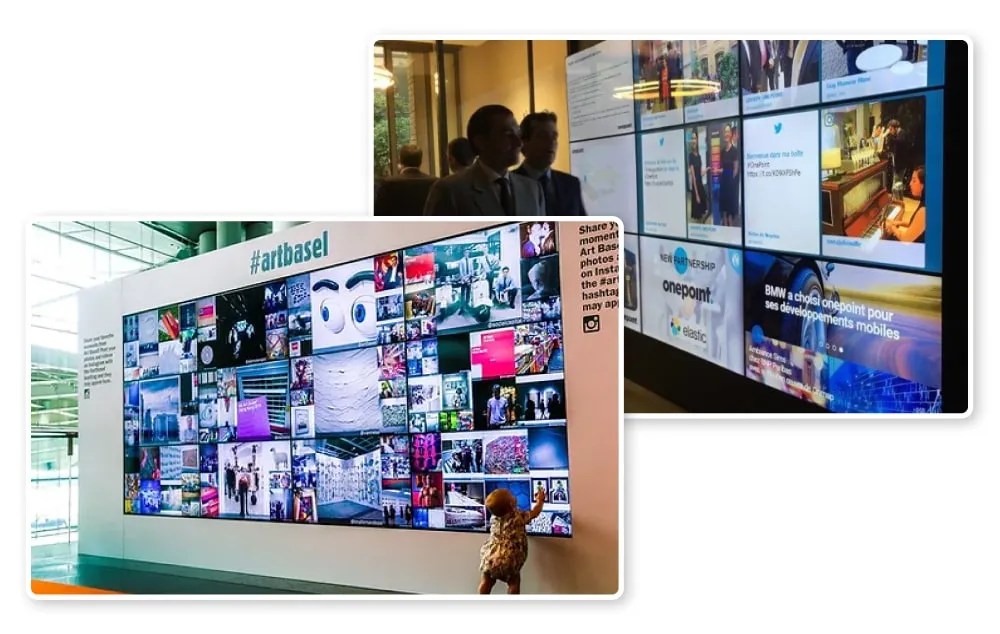
Think about the last event, store, or brand experience that truly caught your attention.
Chances are—it wasn’t a dull, static display. It was something moving, alive, and interactive. That’s the magic of a social media wall for digital signage.
It turns everyday screens into living, breathing storyboards—filled with real photos, videos, and posts from people engaging with your brand online.
Whether you’re organizing a conference, running a retail campaign, or want your office lobby to look more vibrant, pairing your digital signage with live social content is one of the smartest ways to create connection, engagement, and authenticity. Let’s walk through how you can make it happen—step by step.
What Exactly Is a Social Media Wall for Digital Signage?
At its core, a social media wall is a dynamic digital display that collects posts from social networks—like Instagram, X (Twitter), Facebook, YouTube, LinkedIn, and TikTok—and presents them in real time.
When integrated with digital signage software, this wall becomes an interactive storytelling tool.
Instead of showing plain slides or static ads, you’re broadcasting real stories shared by real users.
This is what transforms your displays into powerful social media signage—bridging your brand’s online community with its physical presence.
Real-World Benefits of a Social Media Signage Wall
- Instant engagement: When people see their posts live on a big screen, they feel seen and instantly share more.
- Authenticity that builds trust: User-generated content (UGC) adds social proof and credibility that polished ads can’t.
- Eye-catching visuals: The mix of videos, colors, and motion keeps people watching longer.
- More UGC, less marketing effort: When attendees or shoppers know their content might appear, they naturally contribute more.
- Expands your online reach: Each post with your hashtag boosts visibility both online and offline.
- Interactive storytelling: A good interactive digital signage wall doesn’t just show content—it invites participation.
In short, social media screens transform spaces into social experiences.
Different Ways to Use a Social Media Wall Display
Not all social media display boards are the same. Depending on your goal and location, you can experiment with different styles:
- Hashtag Walls: Perfect for events—collect all posts using a branded hashtag (e.g., #MyBrandFest2025).
- Profile Walls: Stream content directly from your brand’s verified profiles.
- Curated Walls: Manually pick the best UGC posts for higher quality and consistency.
- Live Stream Walls: Combine social media posts with a live video stream of your event.
- Hybrid Walls: Mix UGC, brand updates, sponsor ads, and announcements.
If you want to drive conversation during an event, set up a live hashtag wall. For office spaces or retail environments, try a social wall digital signage setup that loops in both brand updates and customer stories.
From an internal company screen to a 40-foot LED at a music festival, these social screens can adapt beautifully to every environment.
Setting Up Your Social Media Wall for Digital Signage
Step 1: Get Your Hardware Ready
Before anything else, ensure your hardware setup is ready for a seamless experience.
- Digital Screens or LED Walls: Offices can use monitors or TVs, while large venues benefit from high-brightness LED walls.
- Media Player or Mini-PC: Devices like Intel NUC, Fire Stick, or Raspberry Pi connect your social wall to the display.
- Stable Internet Connection: Crucial for real-time updates.
- Mounts or Stands: Choose flexible stands for events or wall mounts for permanent signage.
Step 2: Choose the Right Software
The engine behind every great social wall display is a reliable software platform that aggregates, moderates, and publishes content smoothly.
Look for tools that offer:
- Multi-network integrations (Instagram, Twitter, LinkedIn, YouTube, TikTok)
- AI + manual moderation options
- Flexible layout templates
- Offline caching for poor connectivity
- Easy integration with digital signage systems like Yodeck, ScreenCloud, or Enplug
Top-rated tools like SocialWalls by Taggbox and Walls.io provide everything you need for setup—even if you’re not tech-savvy.
Step 3: Plan Before You Go Live
Before displaying your social media wall setup, define your goals clearly:
- Do you want to build brand awareness?
- Are you aiming to increase UGC during an event?
- Or do you want a creative communication channel inside your workplace?
Your answers determine what kind of social media signage wall you’ll build and how you’ll measure ROI later.
Step 4: Connect and Curate
Once you’ve picked a tool:
- Log in and select your social networks or hashtags.
- Set up live feeds (hashtags, mentions, or page posts).
- Enable auto-refresh intervals for live updates.
- Use filters to block spam or irrelevant content.
Within minutes, your social media wall display will start populating with authentic posts from real users.
If you want tighter control, use the content curation dashboard many platforms offer—it lets you approve posts manually before they appear live.
Step 5: Design Your Wall
Now it’s time to make your wall look visually stunning and on-brand.
- Add your logo, event name, or slogan.
- Pick between grids, carousels, or story layouts.
- Use consistent colors that reflect your brand’s personality.
- Include animations or transitions—but don’t overdo them.
Avoid clutter. A clean design helps your content shine and keeps attention focused.
Step 6: Moderate Before You Display
Moderation is your safeguard for brand safety.
Use AI filters to block inappropriate or off-brand content, and layer it with manual approvals for sensitive events.
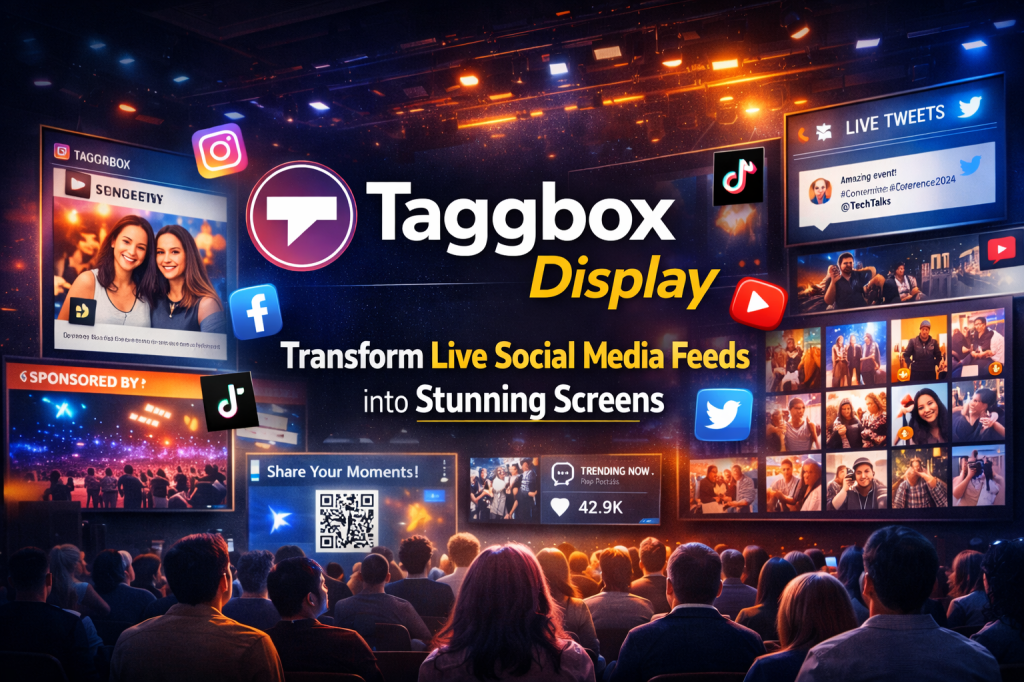
Platforms like Taggbox Display come with built-in moderation dashboards that make this process easy and fast.
Step 7: Publish to Digital Signage
Once you’re happy with the design and moderation, it’s showtime.
- Copy your wall’s embed code or URL.
- Paste it into your digital signage CMS (like Yodeck, ScreenCloud, or Enplug).
- Set a refresh rate—every 5–10 minutes usually works best.
- Test your layout and transitions before going live.
And there you have it—an interactive social wall for digital signage ready to engage your audience in real time.
Where You Can Use Social Media Signage
The flexibility of this technology is its biggest strength. You can use social media signage across a variety of industries and spaces:
- Corporate Offices: Highlight team updates, employee wins, and LinkedIn posts—ideal for internal digital signage for offices.
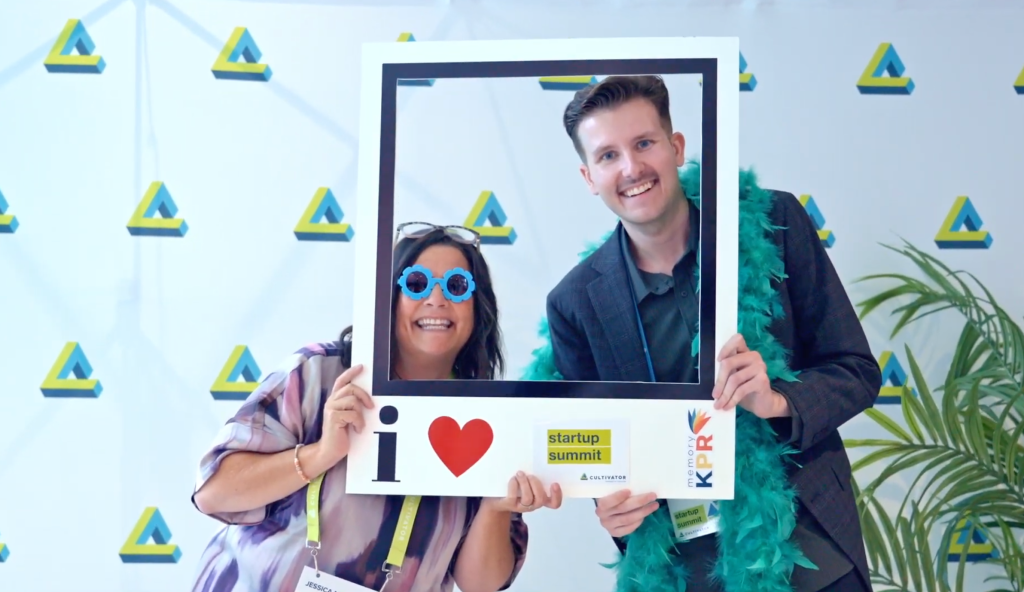
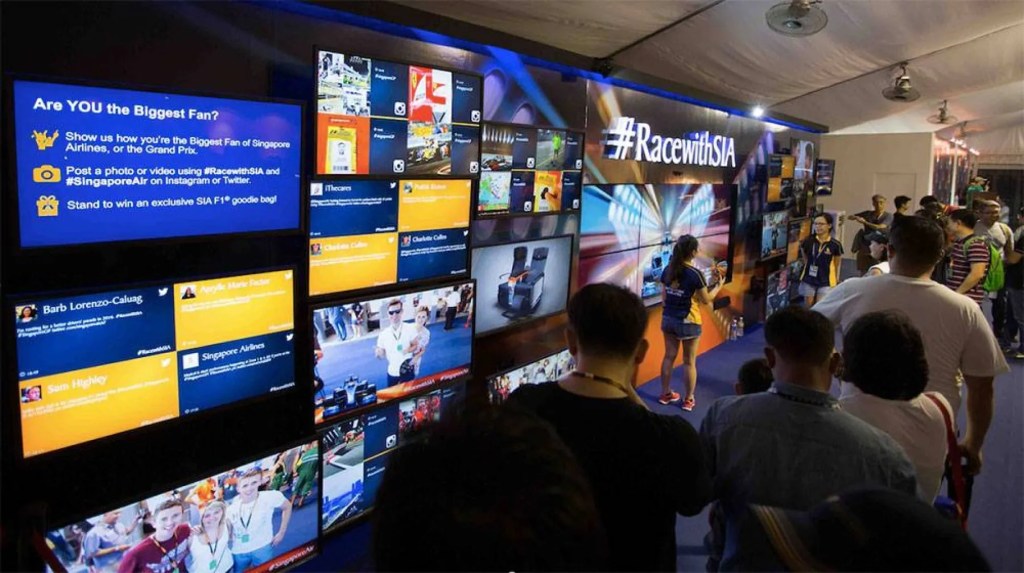
- Events & Trade Shows: Run event social media walls that display attendee posts live, boosting participation and excitement.
- Retail Stores: Use digital signage for retail to feature influencer content or real customer reviews right next to your products.
- Universities & Campuses: Celebrate student moments or display real-time announcements.
- Hotels & Venues: Share guest experiences, promote live events, and upsell offers.
- Sports Arenas: Run live social media displays showcasing fan reactions, match highlights, or sponsor promotions.
Whether it’s a corporate event, retail activation, or educational campaign, social walls for digital signage make every space feel interactive and alive.
Measuring ROI: Why Social Media Walls Are Worth It
Still wondering if a social media signage display pays off?
Here’s how to measure success:
- Engagement Metrics: How many posts use your hashtag or mention your brand.
- Screen Impressions: Estimate the dwell time and total audience.
- Follower Growth: Monitor how your social media following changes during campaigns.
- Leads & Conversions: Track QR scans or website visits triggered by your signage.
- Sentiment Analysis: Evaluate how users feel about your campaign content.
When set up right, an interactive digital signage wall delivers measurable brand impact while enhancing audience participation.
Bringing It All Together
In an era where audiences scroll endlessly online, catching their attention in the real world takes creativity and authenticity.
A social media wall for digital signage does exactly that—it connects your digital world with your physical environment.
It turns your audience into contributors, your events into experiences, and your brand into a conversation.
With the right digital signage for events, a thoughtful design, and genuine UGC, your screens won’t just display content—they’ll tell stories that people remember.
Frequently Asked Questions
1. Which social platforms can I connect?
Most tools support Instagram, Facebook, X (Twitter), LinkedIn, YouTube, and TikTok through secure APIs.
2. How much does it cost?
Expect $50–$500/month for the software plus display hardware costs, depending on scale and features.
3. What if my internet drops?
No worries—most social wall displays come with offline or cached modes to keep content running.
4. How do I control what appears?
Use filters, banned keywords, and manual approvals to maintain brand-safe visuals.
5. Can I connect it with my existing setup?
Absolutely. Most platforms integrate easily with CMSs like Yodeck, ScreenCloud, or Taggbox Display.

 Social Media Wall News
Leave a comment