
In 2025, businesses and organisations are increasingly turning to digital display content as a cornerstone of their communication, marketing, and engagement strategies. Whether you’re managing screens in a retail store, inside a corporate lobby, on social media signage, or across public spaces, the demand for compelling, well-designed content for digital signage has never been stronger. In this article, we’ll explore the key trends shaping digital display content, share best tools and workflows, present actionable strategies, and highlight inspiring digital display examples — all aimed to equip you with practical knowledge you can apply now.
Why Digital Display Content Matters Now
Digital signage is no longer just a novelty. According to recent industry data, the global digital signage market was valued at approximately US$28.8 billion in 2024 and is projected to grow to about US$45.9 billion by 2030.
What does this mean for your content strategy?
- Screens allow dynamic updates, enabling you to keep messages fresh and relevant.
- They deliver measurable engagement (analytics, triggers, viewer counts) rather than simply being static signs.
- They integrate with other channels, such as social media screens, live feeds, and interactive prompts, making the content more immersive and timely.
In other words, your digital display content becomes a live channel — one that must be treated with the same care as your website, printed collateral, or social posts.
Key Trends Shaping Digital Signage & Display Content in 2025
Let’s explore the current trends in digital signage ideas and content so that you can stay ahead.
Trend 1: Personalised & Trigger-Based Content
Gone are one-size-fits-all messages. In 2025, digital screens will increasingly utilize triggers (such as time of day, audience demographics, and motion sensors) to serve tailored content. For example, a screen in a mall may detect large groups of teenagers and shift to youth-centric content.
This means when designing your content for digital signage, you should craft flexible assets (for different audiences) rather than a static “set it and forget it” slide.
Trend 2: Cloud, Live Data & Streaming Integration
Modern digital display networks are no longer isolated. They integrate live data feeds, social-media walls, IPTV and cloud-based management.
From event countdowns to social media screens pulling live tweets, you’ll want content that updates dynamically — real-time content makes your displays feel fresh and relevant.
Trend 3: Immersive & Interactive Experiences
AR overlays, touchscreen interactivity, and mixed-reality signage are becoming more common.
For example, a store window display may allow passersby to interact with the screen’s content via their mobile phone. Designing your digital signage content ideas should include calls-to-action, interactive elements, or pairing with mobile screens.
Trend 4: Elevated Visual & Technical Quality
Consumers expect high-resolution, crisp visuals and professional workmanship. Cheap TV screens & poor design no longer cut it.
Therefore, your content for digital signage must be built with the correct aspect ratios, readable from a distance, and optimised for ambient light conditions.
Trend 5: Focus on Security, Scalability & Sustainability
With large-screen networks, cloud control, and remote updates, security and operations matter. There’s also an emphasis on sustainable signage solutions.
When planning your digital display strategy, ensure your content workflows consider these operational aspects.
Tools & Platforms to Create Great Content for Digital Signage
Now that we understand trends, what about the actual creation of content? Here are the key categories of tools:
Content Management Systems (CMS) – Platforms built explicitly for digital signage allow you to upload, schedule, trigger, and manage content across screens.
Design Tools & Templates – Utilize graphic design software (e.g., Adobe XD, Figma, Canva) or specialized signage templates to create engaging visuals easily.
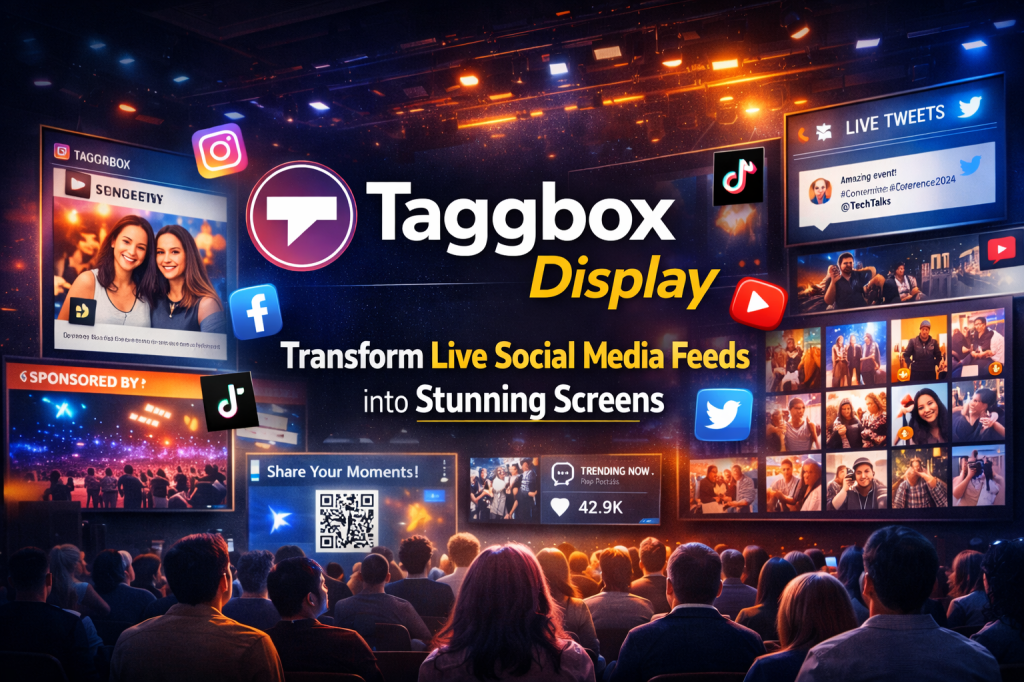
Live-Feed & Social Media Integration – For social media screens, tools like Social Walls by Taggbox that pull live Instagram feeds or Twitter social wall into your display make your content feel connected to online culture.
Analytics & Audience Measurement – Feed-back loops matter: analytics help you test what content works, who’s viewing, when they engage.
Automation & AI Tools – With the uptick in personalized signage, AI-powered templates or auto-scheduling based on triggers help streamline workflows.
When selecting tools, always keep in mind: how easy is it to update content (so you don’t end up with stale slides), how well does it integrate with live data or social media, and how well does it support multiple screens across locations.
Practical Strategies for Effective Digital Display Content
Here are concrete strategies you can implement now when developing your digital display content or brainstorming digital signage content ideas:
Strategy A: Start with Your Audience & Location Context
Ask: Who will see the screen? What is their mindset? How far away are they standing? What time of day?
For instance: A lobby screen may display short & calm content, whereas a retail aisle screen may need bold visuals and fast-moving promos.
Strategy B: Keep Messaging Short, Visual & Impactful
Displays are often seen in passing moments. Use large typography, minimal text, strong imagery. One slide might deliver a single clear message rather than a dense block.
Include: one key benefit + action prompt. If you’re showing digital display examples, choose ones with strong visual hierarchy and simple calls to action.
Strategy C: Use Dynamic Content Blocks & Live Data
For example: “Today’s offer ends in __ minutes” countdown, live social media feed, real-time weather trigger changing screen visuals.
It helps your screen feel alive and timely, rather than static.
Strategy D: Integrate Social Media & Mobile Interactions
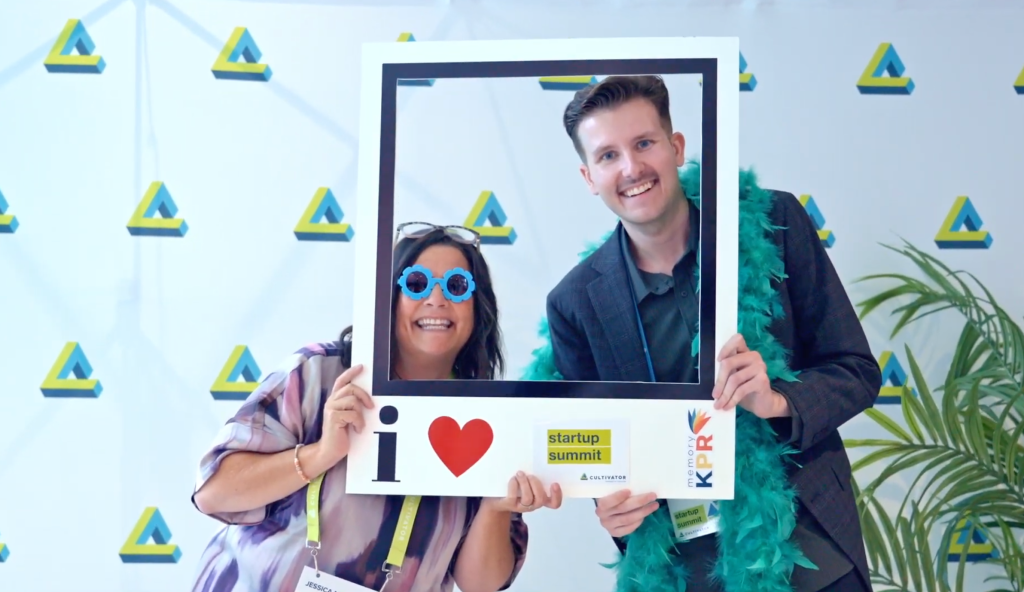
With social media screens, display hashtags, live posts, user-generated content. For mobile integration: allow viewers to scan a QR code and continue the experience on their phone. This extends your screen’s reach beyond the physical display.
Strategy E: Design for Screen & Environment
Consider ambient lighting, viewing distance, traffic flow. If the screen is outdoor, ensure visuals are legible in daylight. Use bold colours, appropriate contrast, and adjust refresh cycles accordingly.
Strategy F: Test, Iterate & Measure
Use your analytics to review what content drove engagement. Try A/B slides: one with video, one with static, see which performs better. This is especially useful if you collect viewer demographics or trigger-based data.
Strategy G: Keep Content Fresh & Scheduled
No one wants to see the same slide week after week. Use your CMS to schedule seasonal offers, rotate creatives, update social-walls. Create a content calendar specifically for digital display.
Inspiring Digital Display Examples
Here are some digital display examples that illustrate strong content practices:
- Retail Window Screens
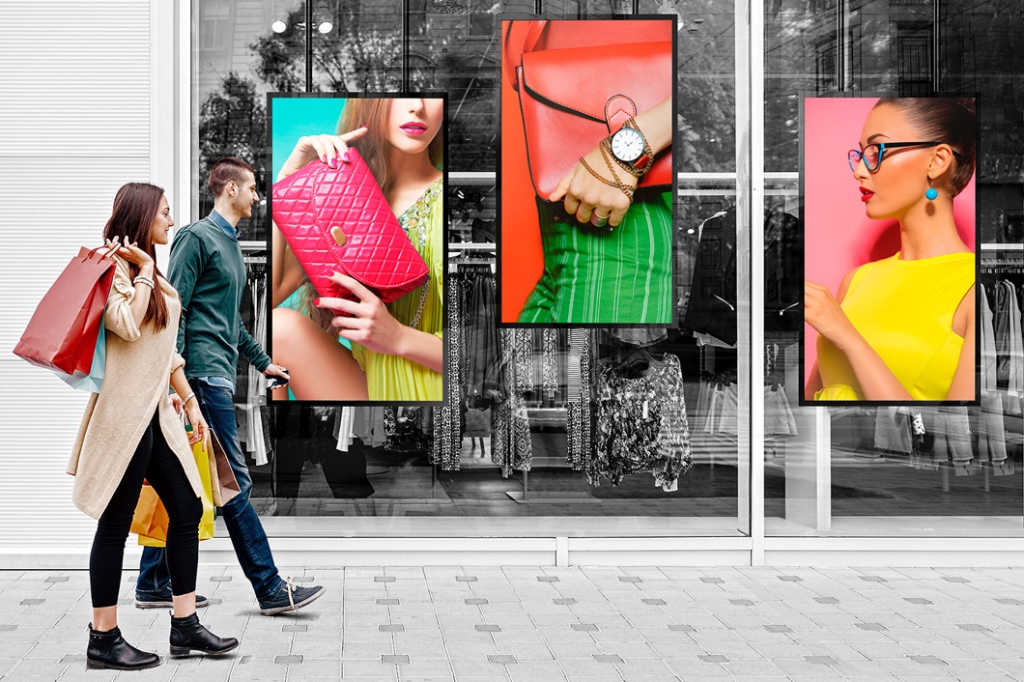
Large LED-walls in store windows showing high-impact visuals, countdowns to offers, live-social posts from hashtag campaigns. - Corporate Lobby Displays
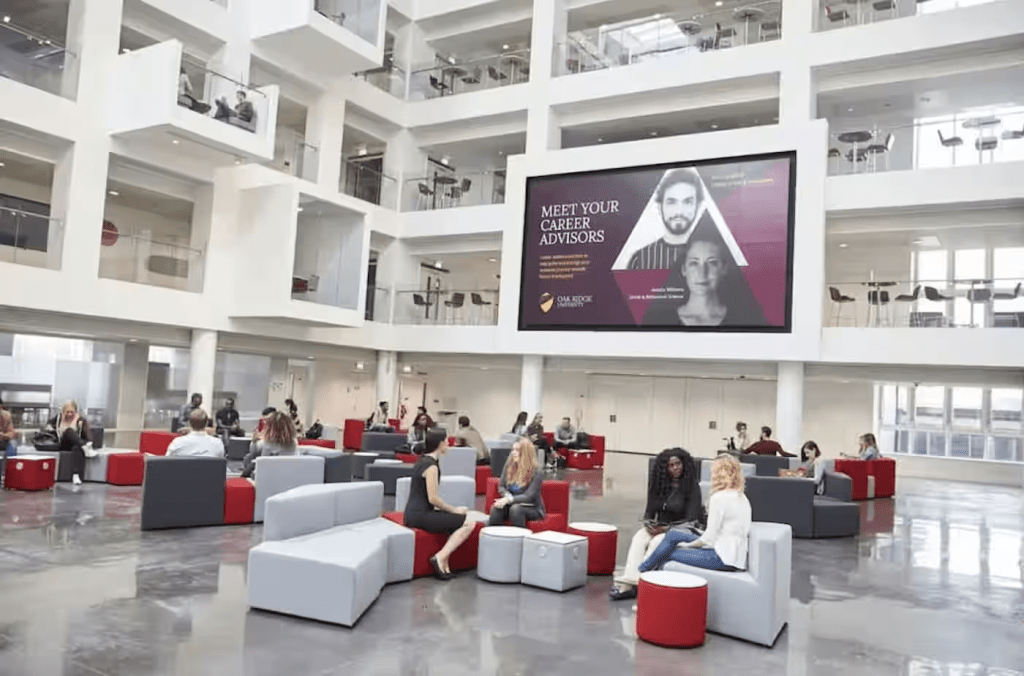
Video walls showing brand story loops, live internal communications dashboards, welcome messages for visitors showing their name. - Social Media Wall at Events
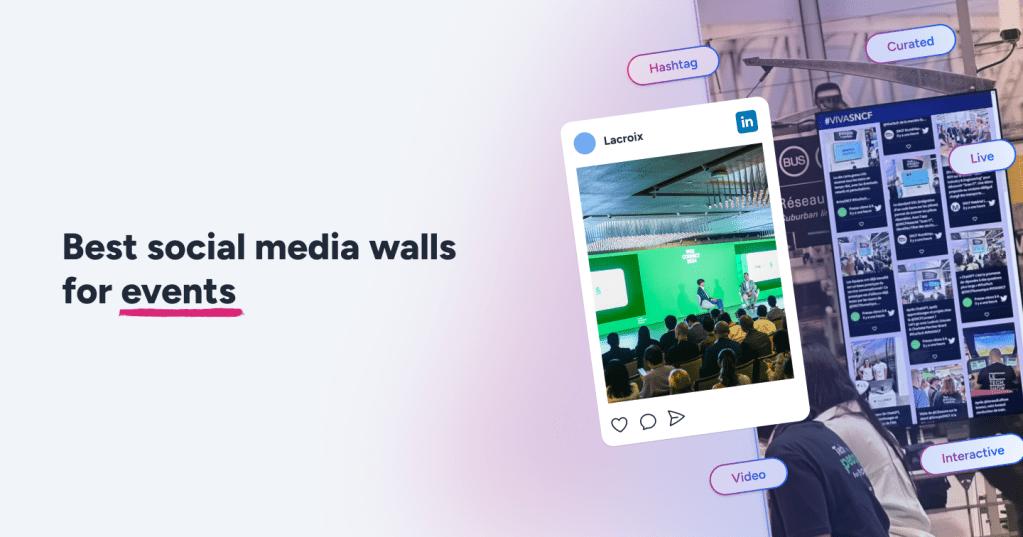
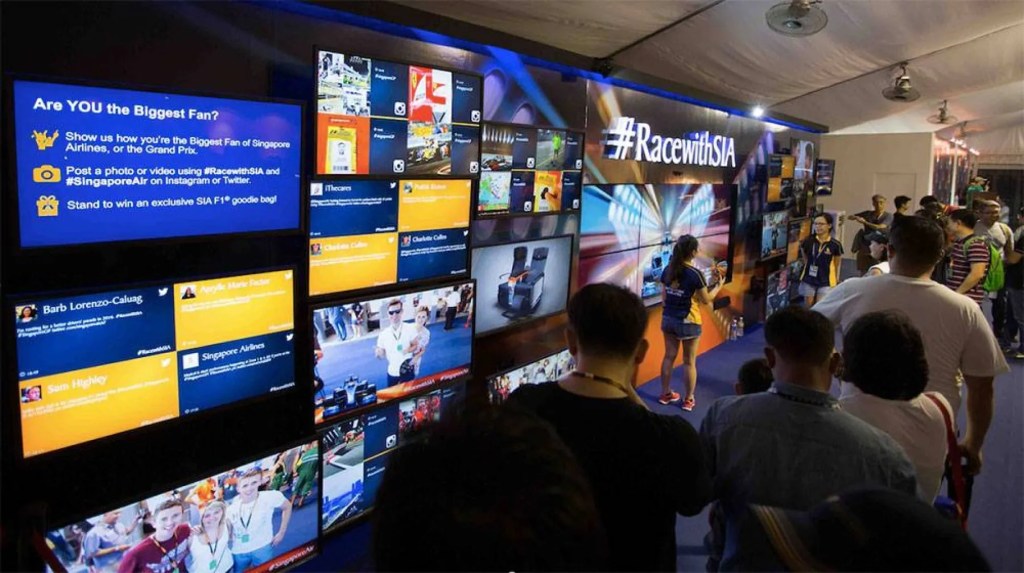
Digital signage at conferences showing live social media feeds, attendee photos, event countdown timer, interactive Q&A. - Transit/Wayfinding Displays
Digital signage content that adapts based on direction of footfall, time of day or transit delays – giving real-time relevant information.
Each of these demonstrates how content must be both visually strong and context-relevant.
Common Mistakes & How to Avoid Them
To make your digital display strategy successful, here’s what to avoid:
- Using static-print mindset: Treating a screen like a poster means missing its full potential (no motion, no triggering).
- Too much text: People glance at screens; if your message takes 20 seconds to read, you lose them.
- Ignoring environment: A display in bright daylight needs different visuals than a dim indoor lobby.
- Not integrating live/social content: Without live or social elements, screens feel disconnected from other communication channels.
- Skipping analytics: If you don’t measure, you don’t know what works—so you can’t improve. By avoiding these missteps, your digital signage ideas will stay relevant and impactful.
Planning Your 2025 Digital Display Content Strategy
Let’s walk through a simple step-by-step content plan for your digital signage network:
- Define your goal & KPIs – e.g., increase foot-traffic by 15 % in retail, boost social media mentions by 30 % at an event.
- Audit your screens – note screen types, locations, viewing distance, audience profile.
- Map content types – assign content for each screen: promotional offers, social-media walls, informational, wayfinding.
- Select tools & CMS – pick a platform that supports scheduling, live-feeds, remote updates.
- Design your content assets – using best practices above, produce templates for each screen.
- Schedule & trigger – set up time-based, audience-based or data-based triggers.
- Launch & monitor – deploy content, use analytics to monitor engagement, dwell time, conversions.
- Iterate monthly – review performance, refresh creatives, update triggers, incorporate new digital signage content ideas.
Following this sequence keeps your strategy structured and adaptable to 2025’s evolving landscape.
Integrating Social Media Screens into Display Content
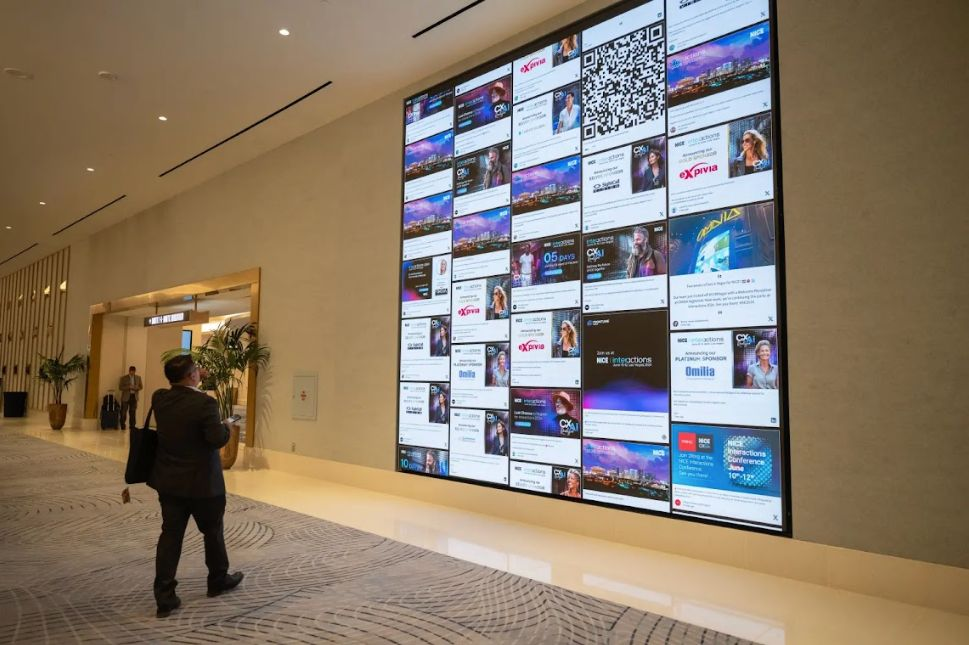
In modern environments your screens don’t exist in isolation—they connect to online audiences. Here’s how to integrate social media signage into your content mix:
- Use screens to display live Instagram or Twitter feeds from campaign hashtags. This encourages user-generated content and builds community around your display.
- Design slides that prompt viewers: “Share this moment on social & appear on our social wall!”
- Use QR codes on your screen linking to social handles or to interactive polls.
- For social screens that replicate online engagement in physical space—consider creating a looped section where user posts appear, tagged with their name or handle, increasing the feeling of recognition.
When done well, your digital display becomes part of a multi-channel experience and not just a one-way billboard.
What’s Next in Digital Display Content
Looking ahead, the following advancements are shaping the next generation of digital display content:
- AI-driven content optimisation: Systems that auto-select which slide to show based on viewer demographics in real time.
- Augmented Reality (AR) & Mixed Reality: Screens that overlay interactive AR elements for deeper engagement.
- Mobile-first / Touchless Interaction: Viewers interact with screens via their smartphones rather than touching the screen directly, which is especially relevant in high-traffic or public settings.
- Sustainability & Low-Power Displays: More energy-efficient signage and modular screen networks to reduce environmental impact.
To stay ahead, your content plan should leave room for experimentation and emerging formats, not just today’s “run of the mill” screen slides.
Frequently Asked Questions
Q1: What exactly is digital display content?
Digital display content refers to the visual and interactive materials (videos, images, slides, live-feeds) created specifically for screens placed in public or private spaces (retail, corporate, events) to engage viewers, communicate messages and drive behaviour.
Q2: What are good digital signage ideas for small-businesses?
Small businesses can deploy: limited-time offer slides, countdown timers, local community highlights, live social media feeds, customer testimonials, interactive charts or even simple wayfinding. The key: short, eye-catching content that connects to their audience.
Q3: How do I come up with digital signage content ideas for events or campaigns?
Start by mapping the journey of your audience: what are they doing, where are they looking, what questions do they have? Then produce content that answers that. For example: event welcome message → agenda slide → live social wall → call to action. Incorporate brand visuals and prompts for engagement.
Q4: What types of content for digital signage work best in retail?
In retail, high-impact visuals (large product images, minimal text), dynamic offers (flash sales, countdowns), trigger-based content (based on foot traffic), social proof (reviews, user photos), and mobile interactions (QR codes) work particularly well. And they should complement in-store staff and displays rather than compete.
Q5: Can social media screens add value to a digital signage network?
Absolutely. Social media screens bring in live, user-generated content which makes the display feel current, participatory and connected to the brand’s broader ecosystem. They also encourage viewers to engage both offline and online, bridging the physical and digital worlds.
Q6: What are some strong digital display examples I should study?
Take a look at flagship retail store windows featuring high-resolution LED walls that display dynamic visuals and live social feeds. Corporate lobbies with video walls showing brand stories and visitor welcome slides. Event spaces with large social walls and live countdowns. Public transit hubs utilize wayfinding screens that display real-time data. These all demonstrate how thoughtful content design, environment, and technology combine.
Q7: How often should I update my digital signage content?
It depends on screen traffic and context. High‐traffic areas: update weekly or biweekly. Event or campaign spaces: daily. The key is to avoid stale content; if your content hasn’t changed in months, viewers begin to ignore the screens.
Conclusion
The world of digital display content in 2025 offers tremendous opportunity—whether you’re working on in-store screens, corporate lobbies, event walls, or social media screens. By understanding key trends, selecting the right tools, and developing innovative strategies (with bold visuals, intelligent triggers, and messaging that matters), you can deliver engaging experiences that capture attention and drive outcomes.
As you map out your subsequent display rollout or refresh your content calendar, remember: a screen is more than signage—it’s a dynamic canvas. Approach it thoughtfully, test it rigorously, and treat it as an integral channel in your communication ecosystem. The results will speak for themselves.

 Social Media Wall News
Leave a comment